Automate Instagram Posts Using Google Sheets + Zapier (Step-by-Step Tutorial)
By Nitin Bajaj on 2025-11-15
Table of Contents
- Introduction
- Why Automating Instagram Posts Is a Game Changer
- Tools Required to Automate Instagram Posting
- How Google Sheets + Zapier Automation Works (Workflow Overview)
- Step-by-Step Tutorial Automate Instagram Posts
- Best Practices to Boost Instagram Reach with Automation
- Scheduling vs Manual Posting Which is Better?
- Who Should Use This Automation?
- Real-Life Use Cases
- Common Mistakes to Avoid
- Final Thoughts
- Get Expert Help
- Frequently Asked Questions (FAQ)
1. Introduction
Instagram has become one of the most powerful platforms for branding, marketing, and audience engagement. But let’s be honest, manually creating and posting content every day can be exhausting. Between drafting captions, designing creatives, managing Instagram followers, and planning the perfect posting time, most creators and businesses end up losing consistency.
That’s why automation is no longer optional, it’s a strategy.
In today’s guide, I’ll show you how to automate Instagram posts using Google Sheets and Zapier without coding, without expensive scheduling software, and without hiring a social media assistant.
If you’re a digital marketer, creator, entrepreneur, or business owner, this step-by-step tutorial will help you schedule Instagram posts like a pro and free up hours of your time every week.
2. Why Automating Instagram Posts Is a Game Changer
Automation is not just about saving time it’s about consistency and scalability. The Instagram algorithm rewards accounts that post regularly and at the right time. Automated scheduling helps you:
✔ Maintain a consistent posting schedule
✔ Strategically plan content in advance
✔ Increase reach and Instagram likes by posting at peak times
✔ Focus on business growth instead of manual daily uploads
Even leading brands today rely on workflow automation to scale social media content across multiple accounts and platforms like Facebook, Instagram, TikTok, and LinkedIn.
3. Tools Required to Automate Instagram Posting
To set up Instagram automation, you need just two things:
| Tool |
Purpose |
| Google Sheets |
Store post content, captions, hashtags, images & posting times |
| Zapier |
Connect Google Sheets with Instagram to automate publishing |
Optional but Helpful:
- Canva – to prepare images and creatives for posts
- Meta Business Suite – to manage Instagram permissions and API access
🔗 Learn more about Zapier automation:
https://zapier.com/blog
📌 How Instagram Graph API works:
https://developers.facebook.com/docs/instagram-api/
4. How Google Sheets and Zapier Automation Works (Workflow Overview)
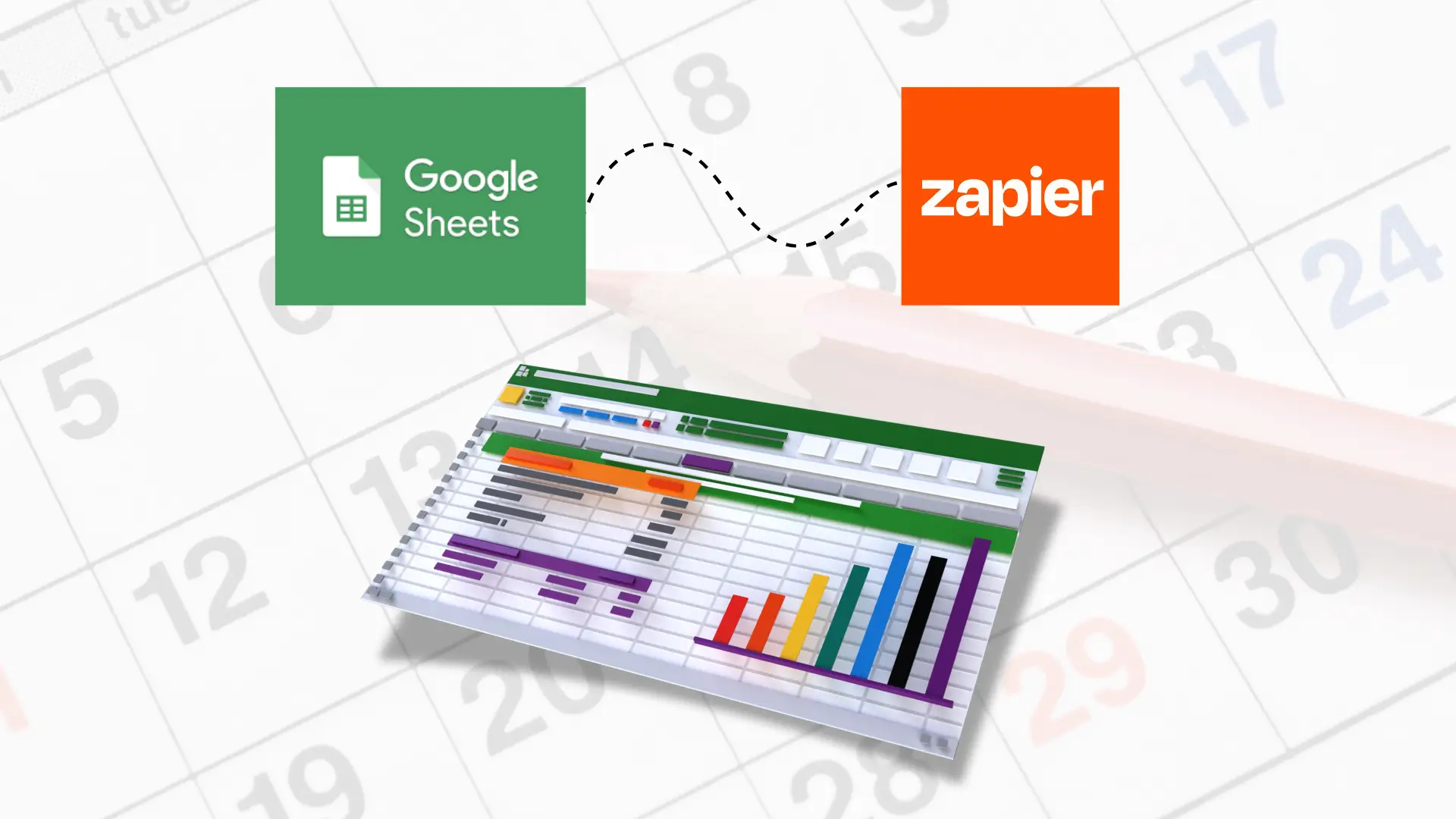
Here’s the workflow automation structure:
-
You create a Google Sheet with post information
-
Zapier watches the sheet for new rows
-
When a new row is added, Zapier automatically publishes it to Instagram
This turns your Google Sheet into a full-fledged scheduling app without buying expensive scheduling software.
5. Step-by-Step Tutorial Automate Instagram Posts

Step 1: Prepare Your Google Sheet
Create a sheet with these columns:
Google Sheet Structure for Instagram Automation
| Column |
Description |
| Image URL |
Link to your post image stored online (Google Drive, Dropbox, etc.) |
| Caption |
Caption including hashtags, emojis, and call-to-action |
| Post Date & Time |
Exact date and time when the post should go live on Instagram |
💡 Pro tip: Column names must match exactly for Zapier to map them automatically without setup errors.
Example caption format:
Monday motivation 💪
Let’s grow together this week!
#digitalmarketing #motivationmonday
Step 2: Set Up Your Zapier Account
-
Go to Zapier.com
-
Click Create Zap
-
Choose Google Sheets as the trigger app
-
Select “New Spreadsheet Row” as the trigger event
Step 3: Connect Instagram to Zapier
-
Select Instagram for Business as the action
-
Authenticate via Facebook login
-
Choose your Instagram business account
Step 4: Map Google Sheet Columns
| Zapier Field | Sheet Column |
|---|
| Photo URL | Image URL |
| Caption | Caption |
| Time | Post Date & Time |
Step 5: Test & Turn On Automation
Zapier will automatically publish content at the scheduled time.
🎉 Your Instagram post scheduling automation is now live.
6. Best Practices to Boost Instagram Reach With Scheduling
To maximize results, follow these strategies:
🔹 Post at peak audience hours
🔹 Add a CTA to increase engagement
🔹 Use storytelling instead of generic captions
🔹 Monitor analytics and adjust content
🔹 Use carousel posts twice a week for higher engagement
Posting consistently builds trust and increases your chances of getting more Instagram followers and Instagram likes organically.

7. Scheduling vs Manual Posting Which Wins?
Manual Posting vs Automated Scheduling
| Factor |
Manual Posting |
Automated Scheduling |
| Time required |
High |
Low |
| Consistency |
Low |
High |
| Algorithm advantage |
Lower |
Higher |
| Scaling content |
Difficult |
Easy |
| Stress Level |
High |
Low |
🚀 Conclusion: Automation clearly wins — especially for content creators and businesses managing multiple platforms or multiple brands.
8. Who Should Use This Automation?
➡ Digital marketers
➡ Influencers & creators
➡ Startups & SMBs
➡ E-commerce brands
➡ Coaches, consultants & educators
Agencies offering social media management services can even use this system to handle multiple clients effortlessly.
9. Real-Life Use Cases
Real-Life Use Cases of Instagram Automation
| Industry |
Automation Result |
| Fitness Coach |
Daily motivation posts + product / plan promotions |
| Real Estate |
Automatic property listings from Google Sheet directly to Instagram |
| Restaurants |
Scheduled daily menu, discount offers, and new dish announcements |
| Digital Academy |
Automated webinar announcements and course promotions |
🔁 Pro tip: This workflow can automate both Facebook post scheduling and Instagram post schedule together using the same Zap — perfect for creators, marketers, and agencies managing multiple platforms.
10. Common Mistakes to Avoid
🚫 Using low-resolution images
🚫 Copy-pasting captions from others
🚫 Overusing the same hashtags
🚫 Skipping analytics
🚫 Posting without a content strategy
Automation helps but creativity and storytelling still matter.
If you are serious about growing your brand online, make sure your website and digital presence are professional and impactful.
You can explore my Portfolio Of Work here
To learn more about me — Click Here
If you need help with web design or automation setup — Visit My Site
For consultation or collaboration — Contact Me
11. Final Thoughts
Instagram automation is not a shortcut it’s a smart workflow that allows you to focus on growth rather than daily uploads. Whether you are building a personal brand or scaling a business, automating Instagram posts using Google Sheets + Zapier will boost your consistency, productivity, and audience engagement.
If you want expert support implementing full automation for Instagram, Facebook, LinkedIn, WhatsApp or CRM systems AI Digital Service can help.
🔗 https://aidigitalservice.in/
🎯 Book Your Free Consultation
If you want:
🔥 A done-for-you Instagram automation system
🔥 Monthly content + scheduling service
🔥 Custom Google Sheets + Zapier workflow setup
📩 Click here to request a free strategy consultation
👉 https://nitinbajaj.aidigitalservice.in/contact.html
More No-Code Automation Tutorials You’ll Love
If you're exploring automation to save time and scale your business, these resources will help you take the next step. Each tutorial is beginner-friendly and designed to build systems that run your business 24/7 — even when you’re not online.
Build a Free CRM Using Google Sheets (No Code)
Learn how to convert Google Sheets into a full CRM to manage leads, track status, follow-ups and automate customer communication — without spending on HubSpot or Zoho.
Read Tutorial →
Automate Lead Generation with Google Forms & Sheets
Turn Google Forms into a lead generation engine by collecting enquiries in Sheets, triggering automated email replies, and routing leads into CRM — no coding needed.
Read Tutorial →
6 Tools You Can Use to Automate Lead Generation in 2025
An in-depth guide covering smart AI tools, outreach, automation, CRM, and workflows that help businesses fill their pipeline without manual effort.
Read Guide →
Each guide builds on automation strategies that help you reduce manual work and scale your digital presence faster.
Frequently Asked Questions (FAQ)
Yes, you can schedule Instagram posts for free using Google Sheets + Zapier + Instagram Business Account. No paid scheduling tool is required unless you want extra features.
No — Zapier is a no-code automation tool. You can set up the complete workflow using simple triggers and actions, even if you’re not technical.
The automation supports Instagram Business Accounts connected to a Facebook Page. Personal / Creator accounts must be switched to Business to automate posting.
Automation boosts consistency — which helps the Instagram algorithm. When combined with quality content, storytelling and good hashtags, followers grow organically.
Yes — Zapier lets you publish to both Facebook and Instagram together using a single Google Sheet. This saves time and improves cross-platform content consistency.